

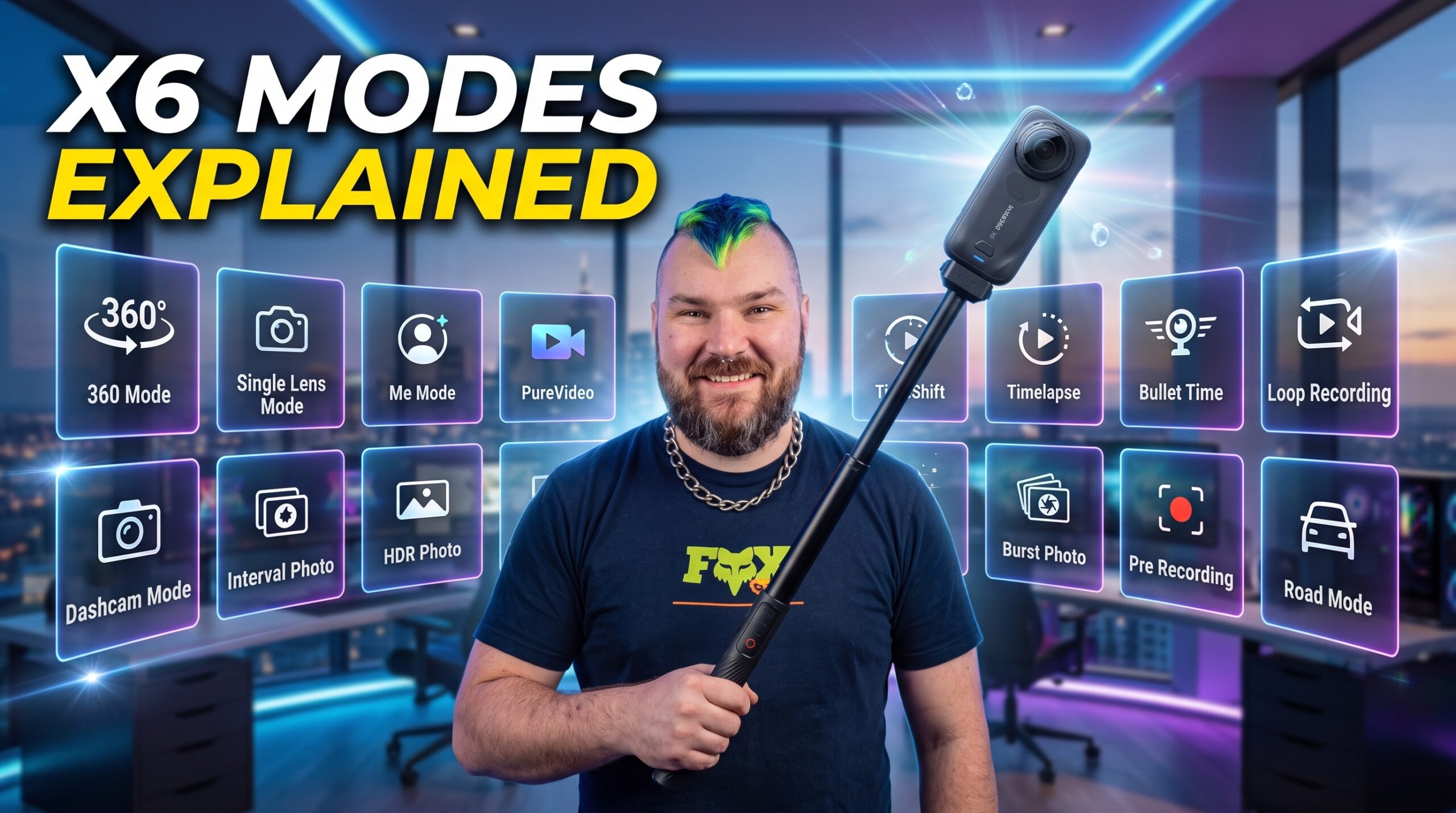
The Insta360 X6 has 16 total shooting modes: 10 built around its 360° capture system and 6 built around its single-lens “Flat” system. Knowing which one fits your shot — rather than defaulting to the same one or two — is the biggest learning curve for new X6 owners.
This guide walks through every mode in the order they matter most: 360 photo, 360 video (and its variants), then the single-lens “Flat” side of the camera, including the flat-only versions of a few familiar modes.
The two systems on the Insta360 X6
- 360 Mode — both lenses are active, capturing the entire sphere around you. You choose your framing, angle, and crop after you shoot, using InstaFrame in the Insta360 app or Insta360 Studio.
- Flat (Single-Lens) Mode — only one lens is active, behaving like a normal wide-angle action camera. What you frame is what you get, so composition and mounting matter in the moment.
The X6’s 360° modes are built on a pair of custom 1/1.1″ sensors capturing native 8K/50fps, which is what gives InstaFrame room to crop and reframe after the fact without losing quality — that headroom is the reason the “shoot now, decide later” workflow works as well as it does on this camera.
With that framing in mind, here’s every mode.
Ready to pick one up? Get the Insta360 X6 here →
360 Photo
The standard 360° stills mode — captures the full sphere in one shot, framed and cropped afterward in the app or Insta360 Studio. This is the default starting point for anything you’d normally reach for a photo mode for, and it also covers HDR shooting for high-contrast scenes when the camera’s held steady.
360 Video
The everyday 360° recording mode. Hit record, move through the scene, and decide your angle, crop, and framing later — this is the mode most X6 owners live in day-to-day, since it removes the pressure of “getting the shot” in the moment.
PureVideo
A low-light-optimized version of 360 video, built to deliver cleaner, less noisy footage after dark or in poorly lit interiors. If a scene is dim enough that regular 360 Video looks grainy, this is the mode to switch to.
Timelapse
Requires the camera to stay stationary. Built for anything that changes gradually in a fixed frame — clouds rolling in, a sunset from a tripod, changing light throughout the day.
TimeShift
The moving counterpart to Timelapse — Insta360’s hyperlapse mode. The camera moves with you (walking, cycling, driving) and the result is a smooth, sped-up video that still holds its stabilization. Good for covering a lot of ground quickly or building transitions.
Bullet Time
The signature “orbit” shot — a slow-motion, freeze-frame-style clip created with a quick flick or swing of the camera, often on a selfie stick or dedicated handle. This is the mode behind viral 360° freeze-and-spin clips.
Loop Recording
Continuously records in 360 and automatically overwrites the oldest footage once storage fills, keeping only the most recent segment. Built for long, uneventful recording sessions where only the last few minutes matter if something happens.
Road Mode (Dashcam Mode)
A specialized version of loop recording for in-vehicle use — continuous 360° recording with automatic overwrite within a set storage limit. Essentially turns the X6 into a 360° dashcam that captures the entire car interior and surroundings at once.
Starlapse
A dedicated night-sky photo mode. The camera captures a series of starry-sky photos over time and automatically composites them into a star trail image, with no manual stacking required.
Interval
Automatically takes a 360° photo at a set time interval — the classic tool for documenting slow change over a longer stretch of time, like a build, a sunset, or a changing scene across hours.
Flat Photo
The single-lens equivalent of 360 Photo. Only one lens is active, so you’re composing a traditional wide-angle shot rather than capturing the full sphere. Use this when you already know exactly the photo you want and don’t need to reframe later.
Flat Video
The single-lens equivalent of 360 Video — a traditional wide-angle action-cam recording mode, shooting up to 5K resolution with a field of view up to 170°. This is the mode for shots where the framing is fixed and known in advance: a helmet mount on a descent, a chest mount on a hike, a handlebar mount for a ride — the same deliberate, compose-it-yourself approach Insta360 recommends for single-lens shooting.
InstaFrame 2.0
The X6’s flagship smart-tracking mode. It records the full 360 sphere while simultaneously tracking a chosen subject and exporting an edited, flat video directly — no manual reframing needed afterward. This is the closest thing the X6 has to “point, shoot, and get a finished clip” without touching an editor.
Flat PureVideo
The single-lens version of PureVideo — the same low-light, reduced-noise optimization, but applied to the flat, single-lens feed instead of the full 360 sphere. Reach for this when you’re shooting a fixed, known angle after dark.
FreeFrame Video
A single-lens mode that leans on post-production: it requires FlowState Stabilization in the Insta360 app or Studio afterward, but in exchange gives you the flexibility to re-adjust aspect ratio and horizon lock after the fact. Useful when you’re shooting single-lens but aren’t fully committed to your final framing yet.
Flat Loop Recording
The single-lens version of Loop Recording — continuously records a flat, wide-angle feed and automatically overwrites the oldest footage once storage fills. Suited to long single-lens recording sessions (a fixed mount, a stakeout-style shot) where you only need to keep the most recent footage.
So which mode should you actually use?
A simple way to think about it:
- Don’t know your shot yet, or want maximum flexibility? → 360 Photo or 360 Video
- Know exactly the angle you want and it’s fixed? → Flat Photo or Flat Video
- Need a hands-off, ready-to-post clip with tracking baked in? → InstaFrame 2.0
- Shooting something that changes slowly over time? → Timelapse (stationary) or TimeShift (moving)
- Low light or night? → PureVideo / Flat PureVideo (video) or Starlapse (photo)
- Want the classic freeze-and-orbit effect? → Bullet Time
- Long, uneventful recording where only the recent footage matters? → Loop Recording, Road Mode, or Flat Loop Recording
The short version: 360 modes are for capturing first and deciding later, Flat modes are for when you already know the shot, and everything else on this list is a specialized tool built for one specific scenario.
Where to buy the Insta360 X6
If you’ve read this far and you’re ready to try these modes yourself, you can pick up the Insta360 X6 here:
FAQ
Can the Insta360 X6 be used as a dashcam? Yes — Road Mode is built specifically for in-vehicle use. It records continuously in 360° and automatically overwrites older footage once it hits a set storage limit, functioning as a full 360° dashcam.
What’s the difference between Timelapse and TimeShift? Timelapse requires the camera to stay stationary and is meant for scenes that change gradually on their own, like a sunset. TimeShift is designed for a moving camera, creating a smooth hyperlapse-style video while walking, cycling, or driving.
What is InstaFrame 2.0 on the X6? InstaFrame 2.0 is a hybrid mode that records the full 360° sphere while automatically tracking a chosen subject, then exports an edited, flat video directly with no manual reframing needed afterward.
Does the X6 have a Loop Recording mode? Yes, and it comes in two versions: Loop Recording for 360° footage and Flat Loop Recording for single-lens footage. Both continuously record and automatically overwrite the oldest footage, keeping only the most recent segment.
How many shooting modes does the Insta360 X6 have? The Insta360 X6 has 16 shooting modes total, split between its 360° system (360 Photo, 360 Video, PureVideo, Timelapse, TimeShift, Bullet Time, Loop Recording, Road Mode, Starlapse, and Interval) and its single-lens “Flat” system (Flat Photo, Flat Video, InstaFrame 2.0, Flat PureVideo, FreeFrame Video, and Flat Loop Recording).
What is Bullet Time on the Insta360 X6? Bullet Time is the X6’s signature orbital slow-motion effect, created with a quick flick or swing of the camera — typically on a selfie stick or dedicated handle — to produce a freeze-frame, 360° spin shot.
Which Insta360 X6 mode is best for low light? PureVideo (360) and Flat PureVideo (single-lens) are both optimized for low-light recording, producing cleaner, less noisy footage than the standard video modes. For low-light stills, Starlapse is the dedicated night-sky photo mode.
What’s the difference between 360 Mode and Flat Mode on the X6? 360 Mode uses both lenses to capture the entire sphere around the camera, letting you choose the framing and angle after shooting in the Insta360 app or Insta360 Studio. Flat Mode uses a single lens like a traditional wide-angle action camera, so the shot is composed and locked in at the time of recording
Disclosure: We use affiliate links | purchases made through our links may earn us a commission at no extra cost to you. This is to help us pay for hosting and other services for SavvyMatthew.